


Blender
No software feeMake your own, without a subscription.
Free for commercial work. You'll still need to learn it or get help.Local design preview · Test signups only (.test emails). Nothing is published and no email is sent.
You described your idea to an AI. It built you something. You still don't know what other ways were possible.
Discover the approaches and tools you didn't know to ask for.



You've got something that works.
You still wonder what else was possible.
MoreMagpie starts with that question.
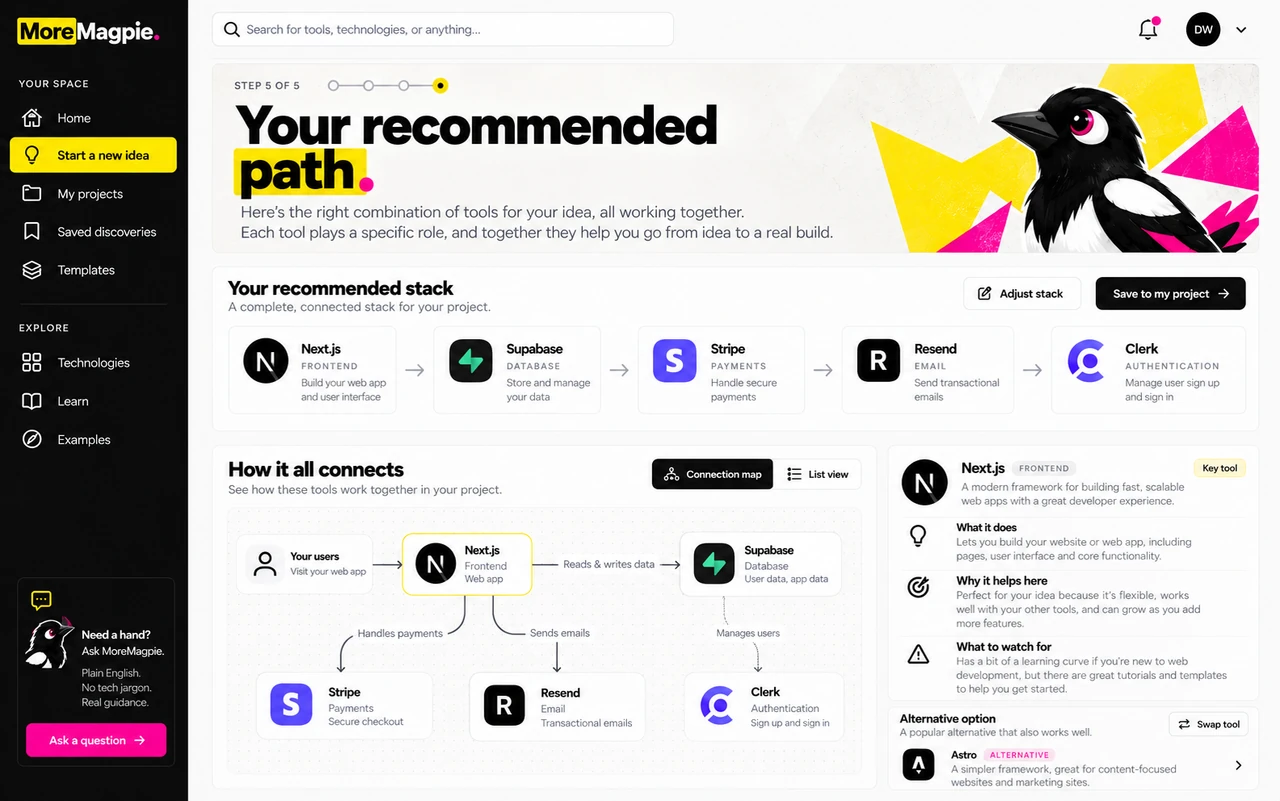
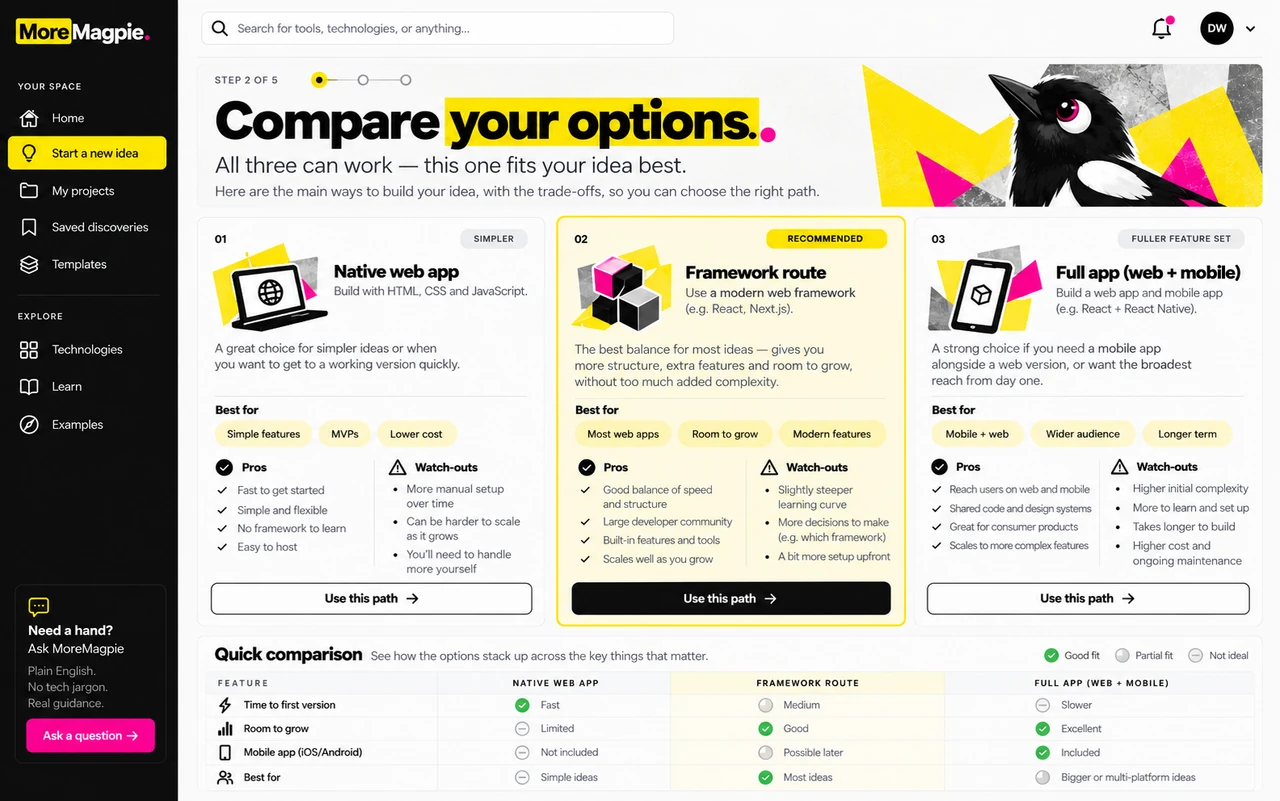
See what each piece does and how the pieces work together.
These supplied designs show the experience we're building. The tools pictured are not recommendations for your project.
One example, not the whole product


AI-generated concept artwork, not outputs from the named tools. Neither look proves a quality, speed or cost advantage.
“I want a town that changes with the choices players make.”
Two ways to make the buildings, objects and animation.
Make your own, without a subscription.
Free for commercial work. You'll still need to learn it or get help.
Build on skills you already have.
Worth exploring if you or a collaborator already use it.Try the game before making every building. Check that the artwork's licence allows your intended use. Paying for a tool doesn't guarantee a better-looking result.
A game engine brings the controls and rules to life.
Help the residentsThe pier gets rebuilt.
Ignore their requestsIt stays abandoned.
You still need to build and test the rules. Include Godot's licence notice when sharing your game; artwork has separate terms.
Try one improvement in your current engine before committing to a switch.
A beautiful picture doesn't prove the pieces fit.
Bring it into the game. Check its materials, animation and speed on the oldest device you want to support.
Godot documents importing Blender artwork. That doesn't prove every effect or animation transfers unchanged.
One worked example, not a ready-to-build recommendation. The right choices, costs and compatibility still need checking for your project.
This example is written in advance. It isn't analysing your idea or reporting a completed test. These tools haven't been tested together for this game.
From your idea to choices you understand
and a plan for your usual builder.
Tell us what you want people to be able to do.
Explore approaches you might never have found.
Understand the benefits, costs and catches.
Take the decisions and next checks into your build.
The journey we're building. Research coverage is still growing.

MoreMagpie is early.
Have a say in what it researches first.
Early-access news and occasional updates.
Leave anytime.